Built to visualize. Engineered to render.
Spawn a render-ready camera frustum directly from any Cine Camera in your scene. Right-click. One click. Done.
In Action
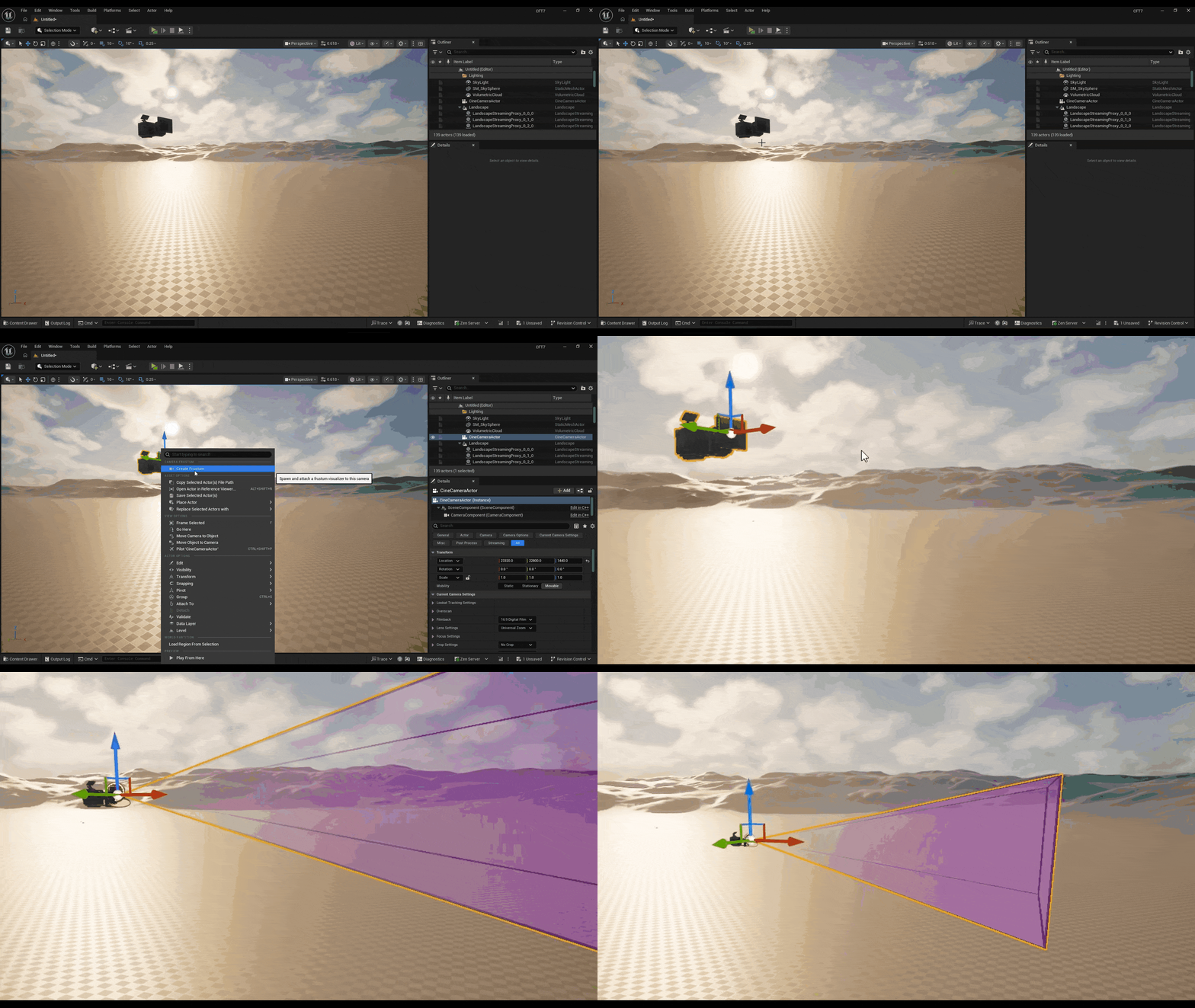
Real screenshots and recordings from inside Unreal Engine 5.
Built for
Designed for professionals who need accurate camera visualization that actually renders.
On-set previsualization for LED volume and real-time virtual production. See exactly what the camera sees before the take.
Communicate camera coverage, sightlines, and field of view to directors and crew with precision — all inside the engine.
Block and plan shots in UE5 before going to set. Accurate frustum geometry means what you plan is what you shoot.
Features
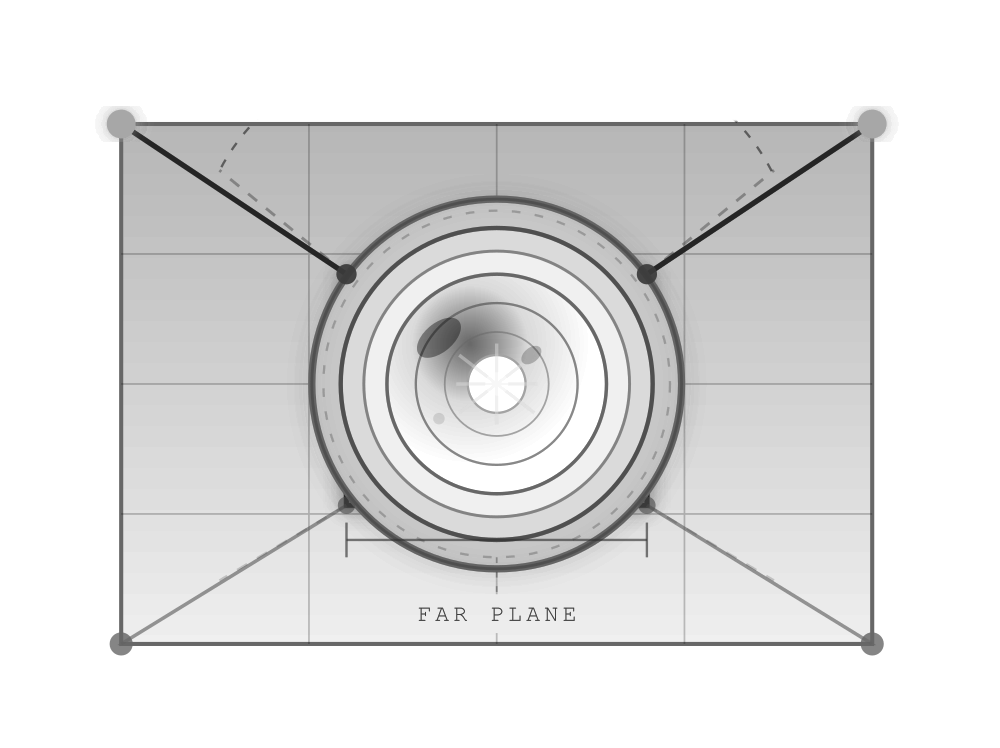
Cine Frustum gives virtual production and techviz teams a fast, accurate, render-ready camera frustum — from a single right-click, zero manual configuration.
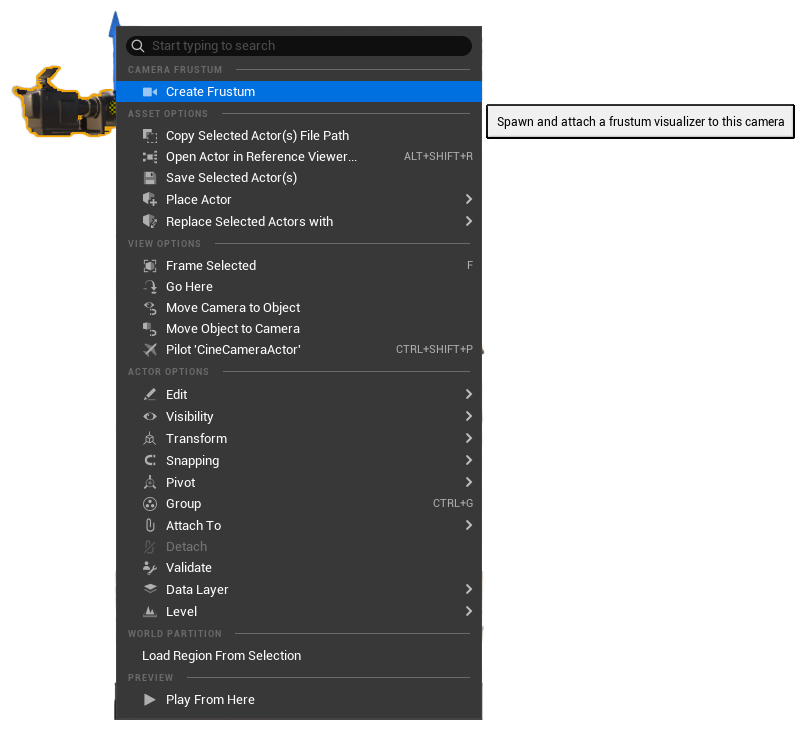
When right-clicking on a Cine Camera actor in the level, a dedicated Camera Frustum option appears at the top of the menu. No utility widgets, no extra steps whatsoever.
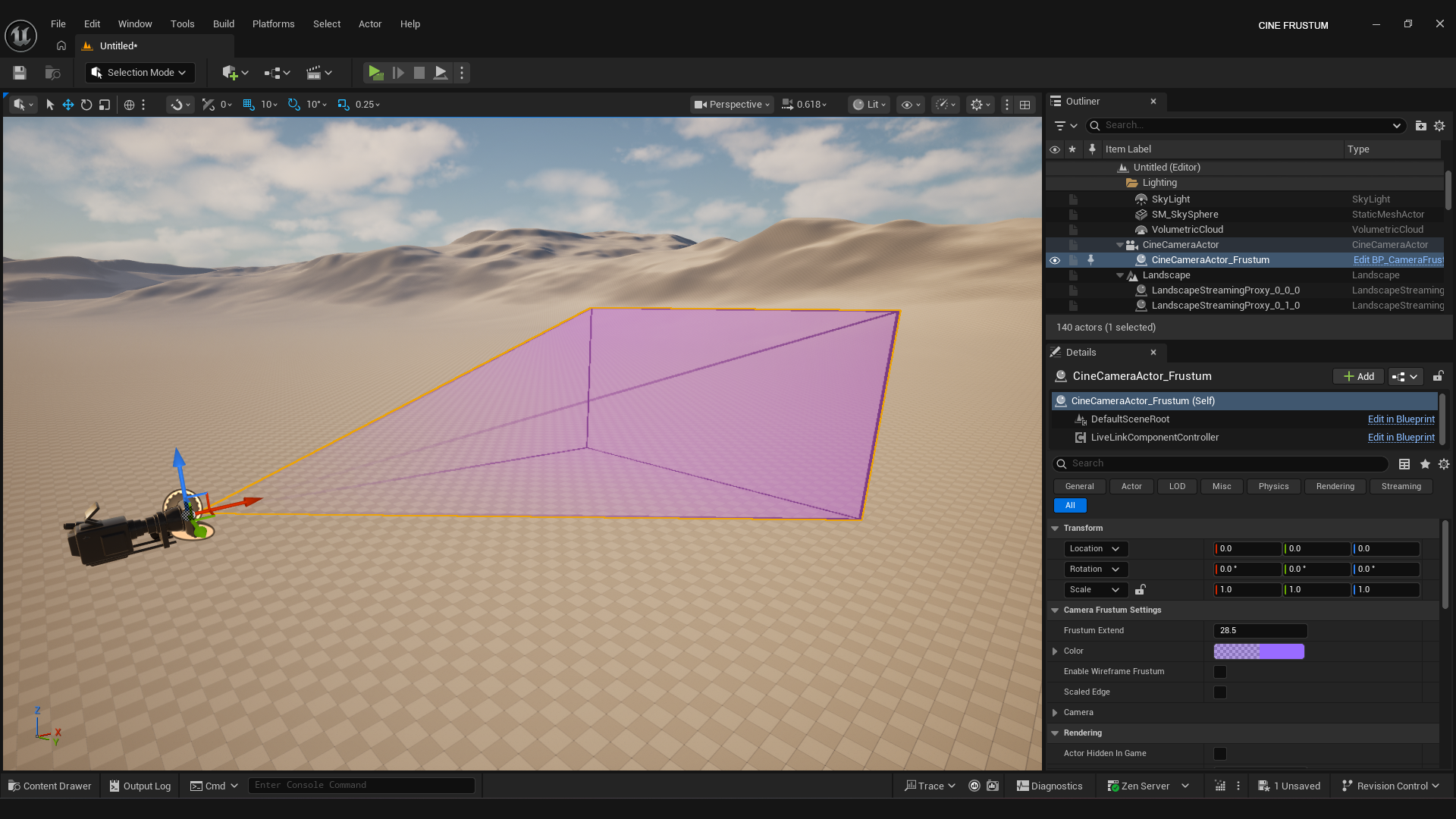
The camera frustum is a real actor — not a viewport overlay. It renders in Movie Render Queue, Sequencer, and Path Tracer exactly as you see it.
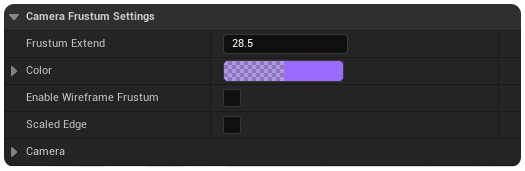
Scale is computed from your camera sensor width, sensor height, and current focal length — always accurate to the exact lens on your Cine Camera.
Smart validation prevents spawning a second frustum on the same camera. The menu option greys out automatically when one is already attached.
Workflow
Click any Cine Camera Actor in your viewport or World Outliner. Works with any Cine Camera in any level — single or multi-camera setups, no restrictions.
Level EditorWhen right-clicking on a Cine Camera, a Camera Frustum section appears at the top of the menu. Hit Create Frustum. The plugin handles spawning, scaling, labelling and attaching — automatically, in one click.
Right-Click MenuThe frustum is a real actor in your scene. Hit render in Movie Render Queue, Sequencer, or the viewport. It shows up exactly as you see it, every single time.
Render ReadyBuilt in C++
The plugin registers a native right-click menu option in the Level Editor and handles everything — validation, spawning, attachment and labelling — from a single click.

Specifications
Everything you need to know before dropping Cine Frustum into your UE5 project. Compatible with both UE 5.6 and UE 5.7 out of the box.
Built to visualize.Cine Frustum · UE5 Plugin · v1.0.0
Engineered to render.
Drop Cine Frustum into your UE5 project and see your shot before you shoot it.